How Developers Use Temporary Email for Testing
How Developers Use Temporary Email for Testing
Modern online apps must include email capability. Emails are crucial to how consumers engage with online platforms, from account registration and password resets to alerts and verification.
If developers often utilize their personal or work inbox, testing these email functions during development may become challenging. This is when temporary email services come in quite handy.
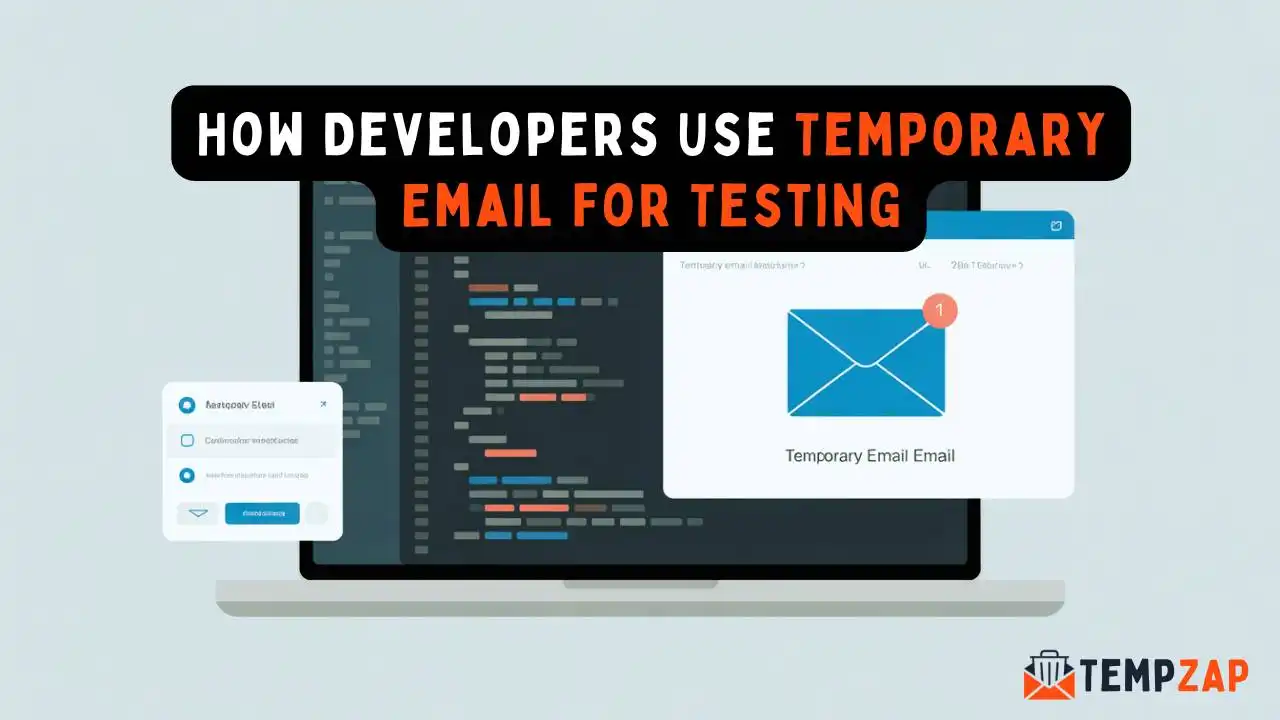
Without utilizing actual email accounts, developers may generate instantaneous, disposable email identities that can receive messages for testing with temporary email services like TempZap. We'll look at how developers utilize temporary email for testing in this tutorial, as well as its benefits and best practices.
What Is Temporary Email?
A temporary email (also called disposable email) is a short-term email address that exists only for a limited time. These addresses allow users to receive emails without revealing their real inbox.
Temporary emails are commonly used for:
Testing website signup systems
Verifying email notifications
Avoiding spam in development environments
Checking automated email systems
For developers, temporary email is a fast and convenient way to simulate real users during testing.
Why Developers Need Temporary Email for Testing
Developers frequently test features that involve sending emails. Using a temporary inbox offers several advantages:
1. Faster Testing Process
Creating new Gmail or Outlook accounts for testing can take time. Temporary email services generate addresses instantly, allowing developers to test workflows quickly.
2. No Inbox Clutter
During testing, applications may send dozens or even hundreds of test emails. Using a disposable inbox keeps your personal email clean and organized.
3. Unlimited Test Accounts
Many applications require a unique email address for each user account. Temporary email allows developers to generate multiple test accounts easily.
4. Improved Testing Accuracy
Developers can simulate real user scenarios like:
New account registration
Email verification
Password reset requests
Notification emails
This helps ensure the email system works correctly before launching the application.
Common Developer Use Cases
Temporary email is used in several testing scenarios during software development.
Testing User Registration
When building a signup system, developers must confirm that verification emails are sent correctly. Temporary email allows them to:
Register a new account
Receive the verification email
Confirm the account activation process
This helps verify that the entire onboarding process works smoothly.
Testing Password Reset Systems
Password reset functionality is a critical feature in most applications. Developers use temporary email addresses to test:
Reset request links
Expiration times for reset tokens
Email formatting and delivery
This ensures users can recover their accounts without issues.
Testing Email Notifications
Many applications send automated emails such as:
Order confirmations
Security alerts
Welcome messages
System notifications
Using temporary email allows developers to test how these emails appear in an inbox.
API and Backend Testing
Developers working with APIs often need to test email triggers generated by backend systems.
For example:
Account creation through APIs
Automated alerts
System-generated emails
Temporary email addresses help verify that backend systems send emails correctly.
Benefits of Using Temporary Email for Development
Using disposable email services during development offers several benefits.
Privacy Protection
Developers can test applications without exposing their personal email addresses.
Easy Account Management
Instead of managing dozens of test email accounts, developers can generate new inboxes instantly.
Faster Development Cycles
Temporary email speeds up testing workflows and allows developers to focus on building features rather than managing accounts.
Spam-Free Environment
Once testing is complete, temporary email addresses automatically expire, preventing future spam.
Best Practices for Developers
To get the most out of temporary email testing, developers should follow a few best practices.
Use Separate Testing Environments
Always perform email testing in a staging or development environment rather than production.
Verify Email Formatting
Check if emails render properly on both desktop and mobile devices.
Test Multiple Scenarios
Test cases should include:
Successful verification
Expired verification links
Incorrect email formats
Multiple resend requests
Monitor Email Delivery Speed
Make sure emails arrive quickly and reliably.
Why TempZap Is Useful for Developers
TempZap provides developers with a simple and efficient temporary inbox system designed for quick email testing.
Key advantages include:
Instant temporary email generation
Multiple inbox support
Easy-to-use interface
Fast email delivery
Developers can use TempZap to simulate real user interactions and verify email functionality without creating permanent accounts.
Email testing is an important part of software development. Without proper testing, issues like broken verification links or missing notifications can negatively impact user experience.
Temporary email services provide developers with a fast, secure, and convenient way to test email systems during development. By using disposable inboxes, developers can simulate real-world scenarios, test multiple workflows, and ensure their applications are fully functional before release.
If you are developing an application that includes email functionality, temporary email tools like TempZap can help simplify the testing process and improve development efficiency.