How Hackers Use Email and How to Stay Safe
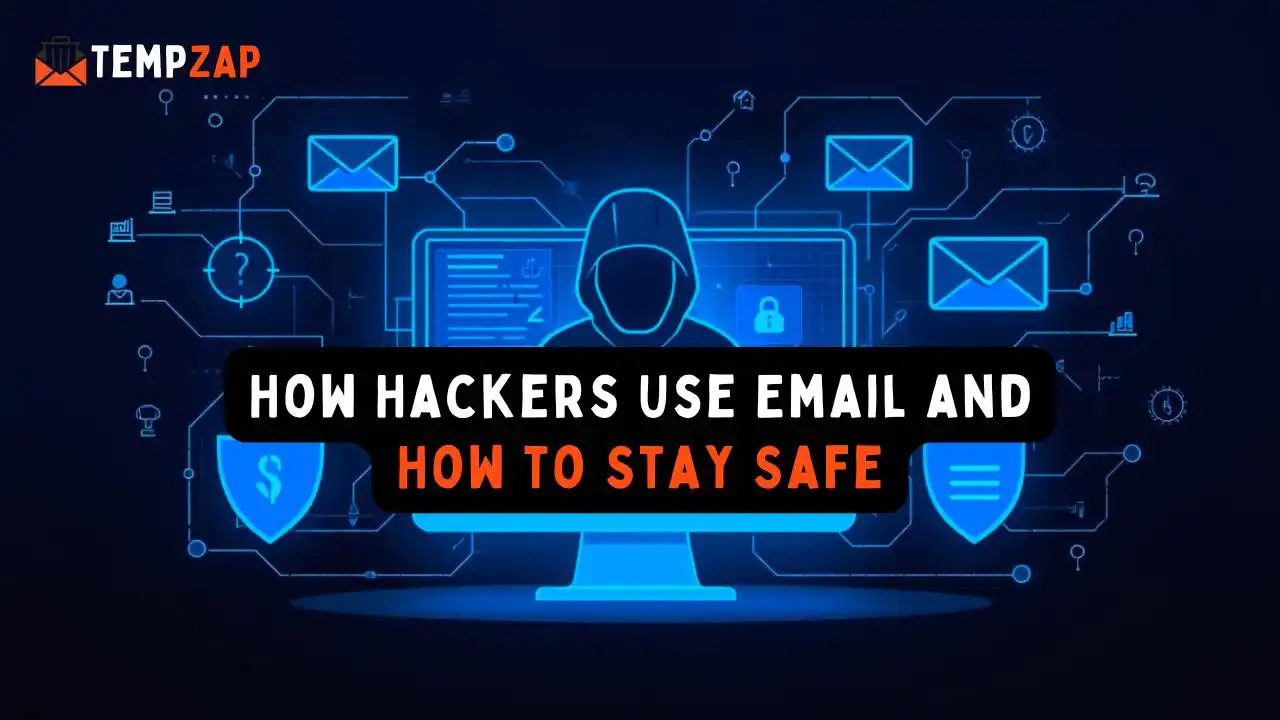
How Hackers Use Email and How to Stay Safe
One of the most crucial online communication tools available today is email. Email is used by users to set up accounts, get alerts, change passwords, and interact with internet companies and services. However, email has also become a big target for hackers due to the sensitive information it holds.
Attacks like phishing emails, virus distribution, and account takeover attempts are frequently initiated by hackers using email. These attacks aim to deceive users into downloading malicious files or disclosing personal information.
Millions of phishing emails are sent daily, targeting both individuals and corporations, according to cybersecurity reports. Anyone can fall prey to email-related cyberthreats if they are not properly informed.
In this guide, we will explain how hackers use email to attack users and how you can stay safe by improving your email security and protecting your online privacy.
Why Email Is a Popular Target for Hackers
Email accounts are connected to many online services. When someone creates an account on websites like social media, online stores, or cloud services, they usually link it to their email address.
Because of this, if hackers gain access to an email account, they may be able to:
Reset passwords for other accounts
Access private messages and documents
Steal personal information
Launch attacks on other people using the compromised account
This is why protecting your email account is extremely important for maintaining online privacy and digital security.
Common Ways Hackers Use Email
Hackers use different techniques to exploit email users. Understanding these methods helps you recognize suspicious emails and avoid potential threats.
1. Phishing Emails
Phishing is one of the most common email scams used by hackers. In a phishing attack, criminals send emails that look like they come from legitimate companies such as banks, payment services, or popular websites.
These emails often include messages like:
“Your account has been suspended.”
“Verify your account immediately.”
“Unusual login detected.”
The email usually contains a link to a fake website designed to steal login credentials or personal information.
Once a user enters their information on the fake site, hackers can gain access to their accounts.
Tip: Always check the sender’s email address and avoid clicking suspicious links.
2. Malware Email Attachments
Another common tactic hackers use is sending emails with malicious attachments.
These attachments may appear as:
PDF documents
Invoices
Shipping confirmations
Software downloads
When the file is opened, it may install malware on the device. This malware can perform several harmful actions, including:
Recording keystrokes
Stealing saved passwords
Accessing personal files
Allowing remote access to the computer
Because of this risk, users should avoid opening attachments from unknown senders.
3. Email Spoofing
Email spoofing is when hackers disguise the sender address to make it appear as if the email came from a trusted source.
For example, the email might appear to come from:
A popular online service
A company support team
A coworker or manager
However, the message is actually sent by a hacker trying to trick the recipient into sharing sensitive information.
Spoofed emails often include urgent messages encouraging users to act quickly without verifying the sender.
4. Account Takeover Attacks
If hackers successfully gain access to an email account, they can perform an account takeover attack.
Since many websites allow password resets through email, attackers can reset passwords and gain access to multiple online accounts.
This may include:
Social media accounts
Online banking
E-commerce platforms
Cloud storage accounts
Once hackers control these accounts, they can steal data, make fraudulent transactions, or impersonate the victim.
5. Business Email Compromise
Businesses are also frequent targets of email attacks. In Business Email Compromise (BEC) scams, hackers impersonate executives or coworkers to request sensitive information or financial transfers.
For example, an employee might receive an email that appears to come from their manager asking them to transfer funds or send confidential data.
These scams can result in serious financial losses for organizations if the request is trusted without verification.
Warning Signs of a Suspicious Email
Recognizing suspicious emails can help prevent cyberattacks. Some common warning signs include:
Unusual sender email addresses
Poor spelling or grammar
Urgent requests for personal information
Suspicious links or attachments
Messages asking for passwords or payment details
If an email seems suspicious, it is best to avoid interacting with it and verify the source through official channels.
How to Protect Your Email Account
Improving your email security does not require advanced technical knowledge. Simple precautions can significantly reduce the risk of cyberattacks.
1. Use Strong and Unique Passwords
One of the most effective ways to protect your email account is to create a strong password.
A strong password should include:
Uppercase and lowercase letters
Numbers
Special characters
Avoid using the same password across multiple websites, as this can increase the risk of account compromise.
2. Enable Two-Factor Authentication
Two-factor authentication (2FA) adds an additional layer of security to your email account.
With 2FA enabled, users must enter a second verification code when logging in. This code is typically sent to a mobile device or authentication app.
Even if hackers discover your password, they cannot access your account without the second verification step.
3. Avoid Clicking Suspicious Links
Many phishing attacks rely on users clicking malicious links in emails.
Before clicking any link, hover over it to check the destination URL. If the link looks suspicious or unfamiliar, do not click it.
Instead, visit the official website directly by typing the address into your browser.
4. Protect Your Primary Email Address
Your primary email account is often connected to many important services. Sharing it widely online can increase the risk of spam and phishing attempts.
To reduce this risk, many users choose to use temporary email addresses or disposable email services when signing up for unfamiliar websites.
Temporary email services allow users to receive messages without exposing their real inbox, helping protect their main email account from spam and potential threats.
5. Keep Your Devices Updated
Keeping your operating system, browser, and antivirus software updated helps protect against new security vulnerabilities.
Software updates often include patches that fix security issues hackers might exploit.
6. Regularly Monitor Your Email Activity
Many email providers offer security features that allow users to monitor login activity. Reviewing recent login locations and devices can help detect unauthorized access.
If you notice suspicious activity, change your password immediately and review your account security settings.
The Role of Temporary Email in Privacy Protection
Temporary email services can also play a role in improving online privacy.
A temporary email address allows users to receive emails without using their personal inbox. These addresses typically expire after a short period, which reduces long-term spam.
Many people use temporary email for:
Testing website registrations
Downloading resources from unknown sites
Signing up for trials or newsletters
Protecting their primary email address from spam
Using disposable email addresses for these situations can help keep your main inbox clean, secure, and private.
Email is still a vital tool for internet businesses and communication. But it's still one of the most popular methods hackers try to carry out assaults.
Phishing emails, malware attachments, fake communications, and account takeover attempts are some of the common strategies used to target gullible people.
Fortunately, you may significantly lower your chance of becoming a victim by adhering to basic cybersecurity practices, such as creating strong passwords, turning on two-factor authentication, avoiding dubious emails, and safeguarding your principal email address.
The best approach to preserve your online privacy and safeguard your digital identity is to stay up to date on email security and adopt safe surfing practices.